
Imbalance — FVG Zones and Confluence Context
FVG and CE zones with iFVG, BAG, BPR, confluence, and decision context in MetaTrader 5.
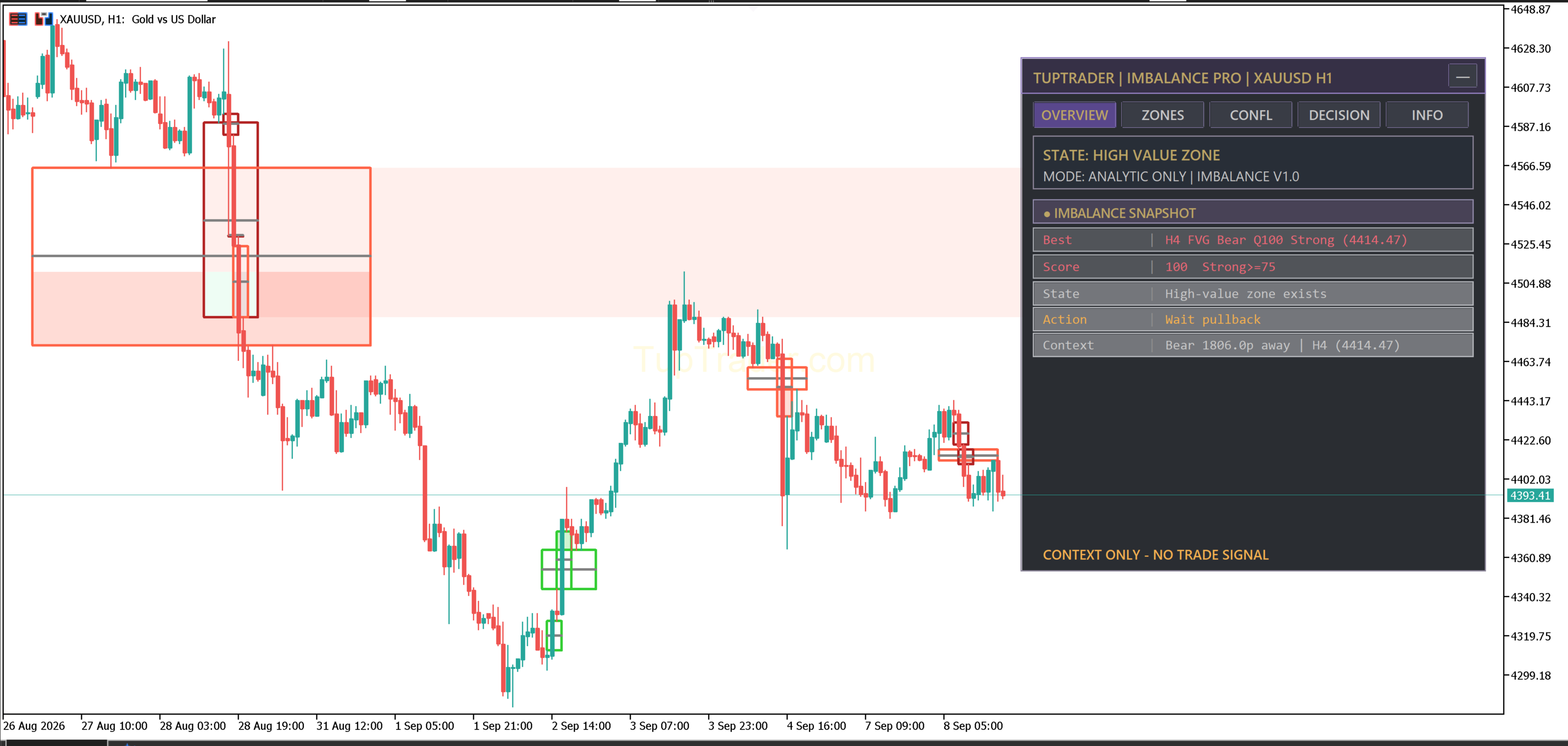
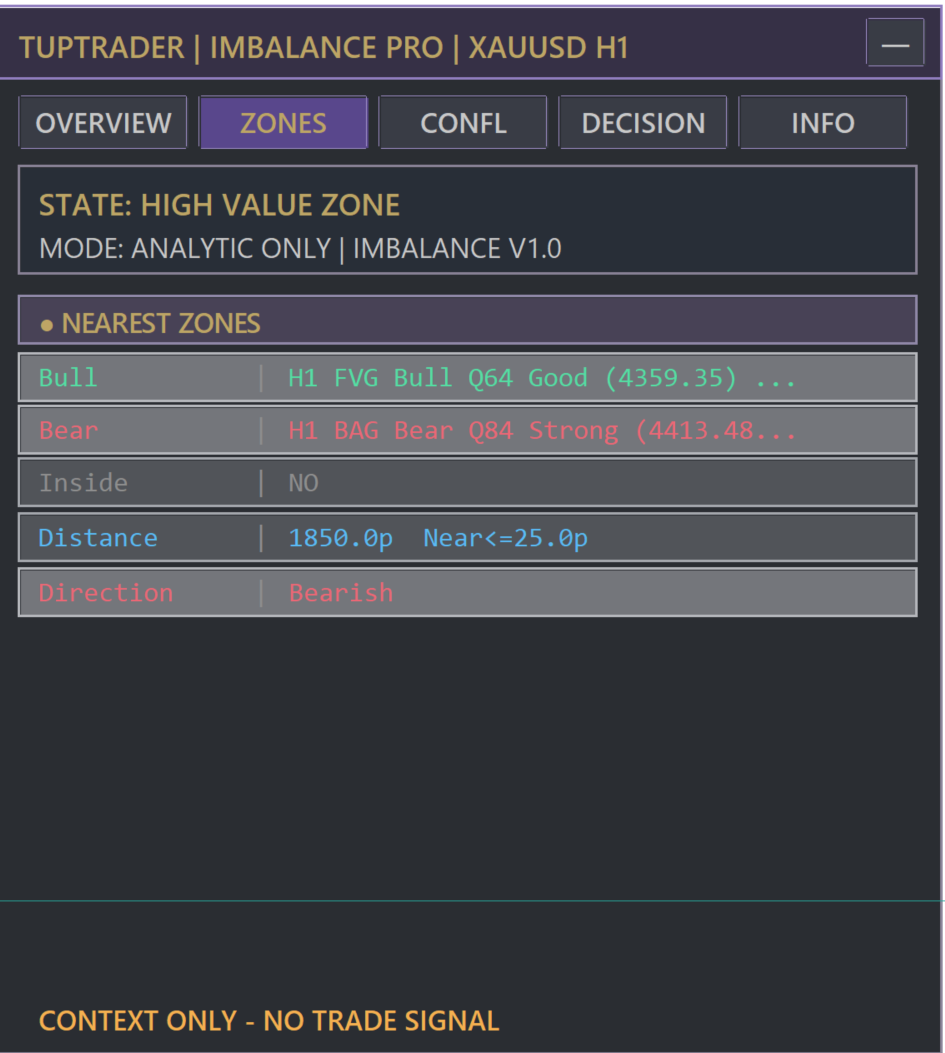
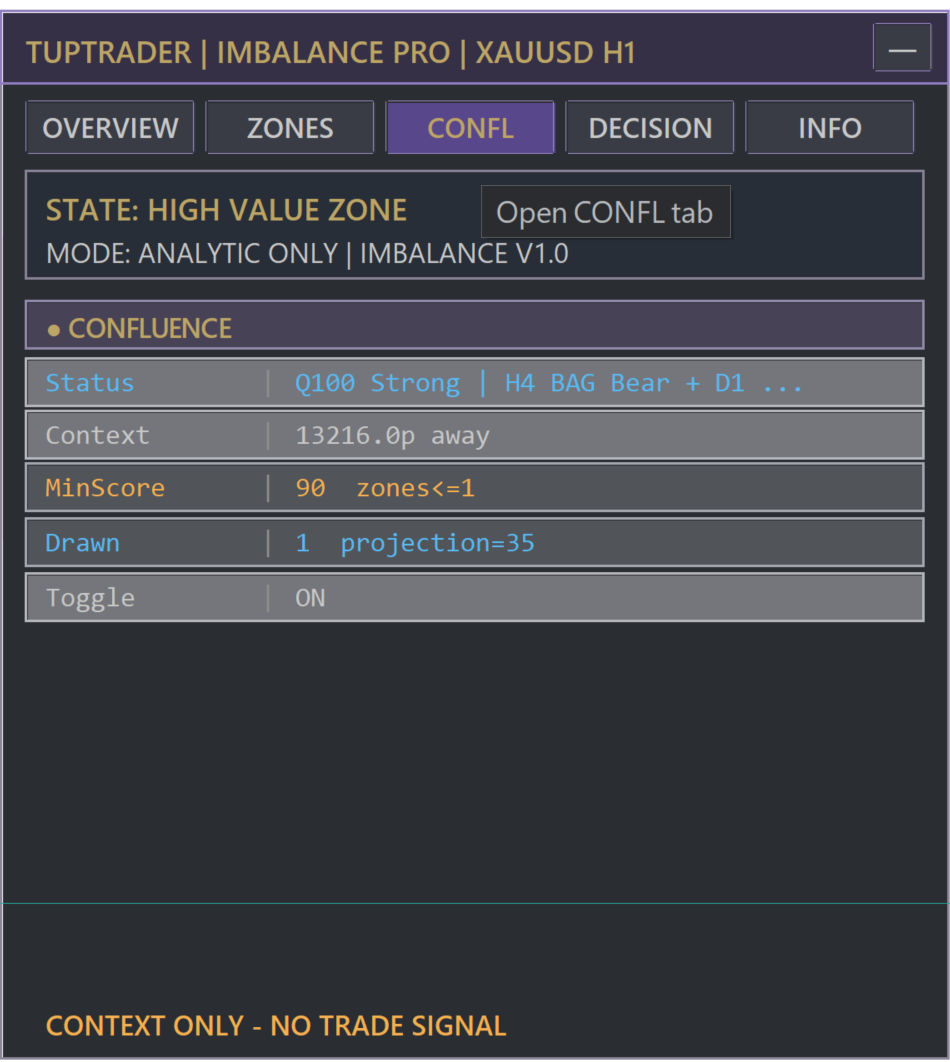
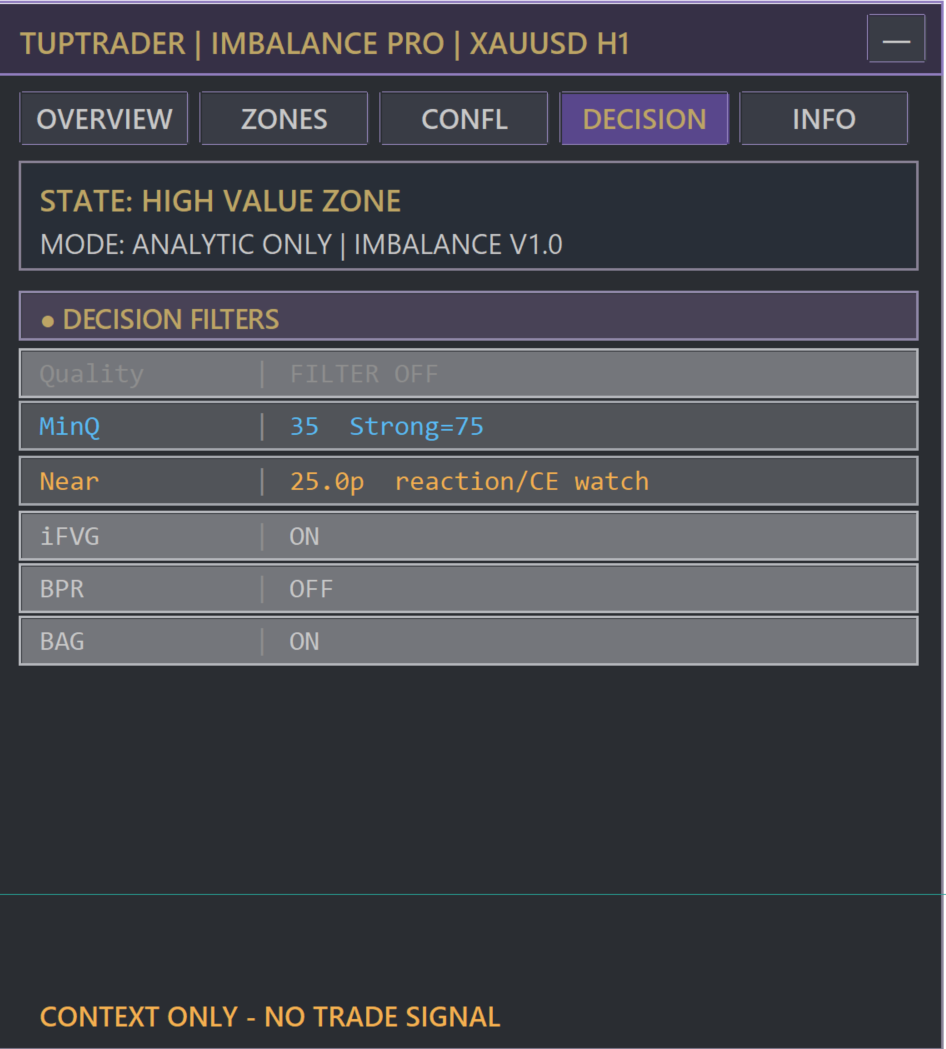
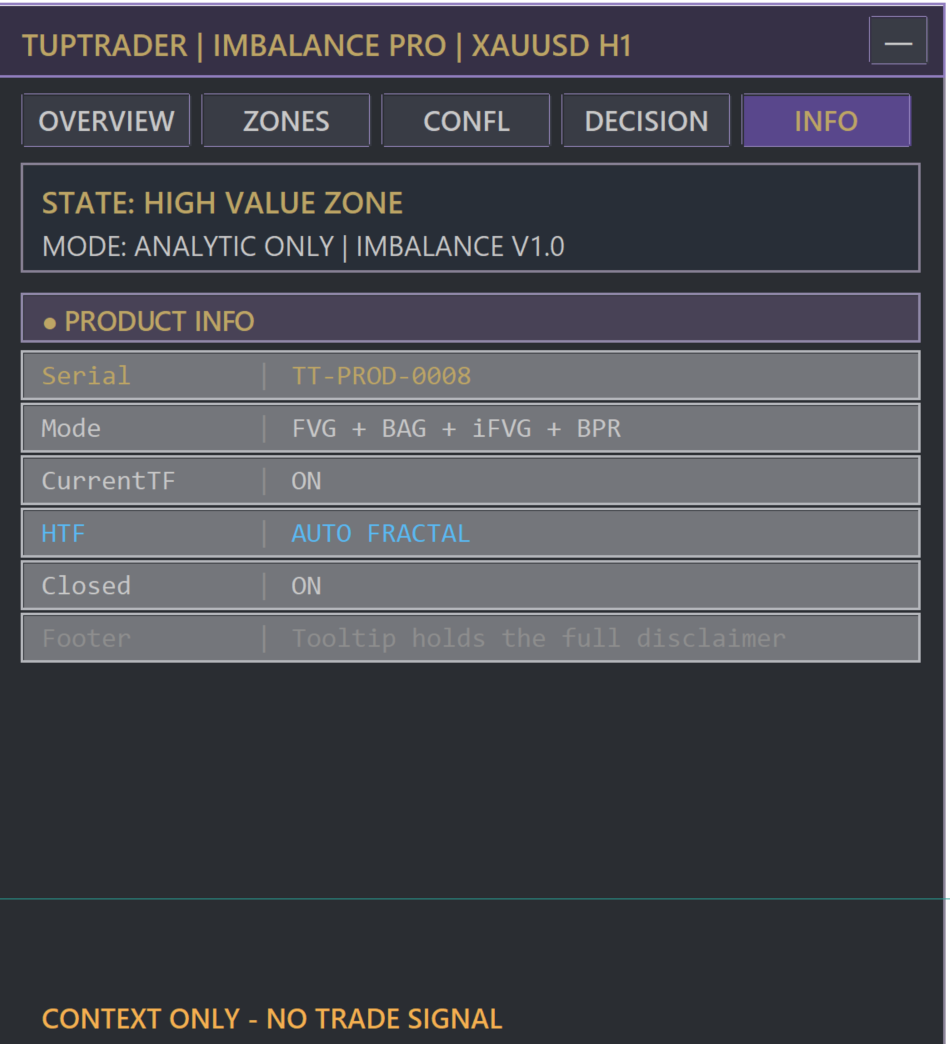
Four Pro dashboard views
Open each image at full size to inspect its tab.
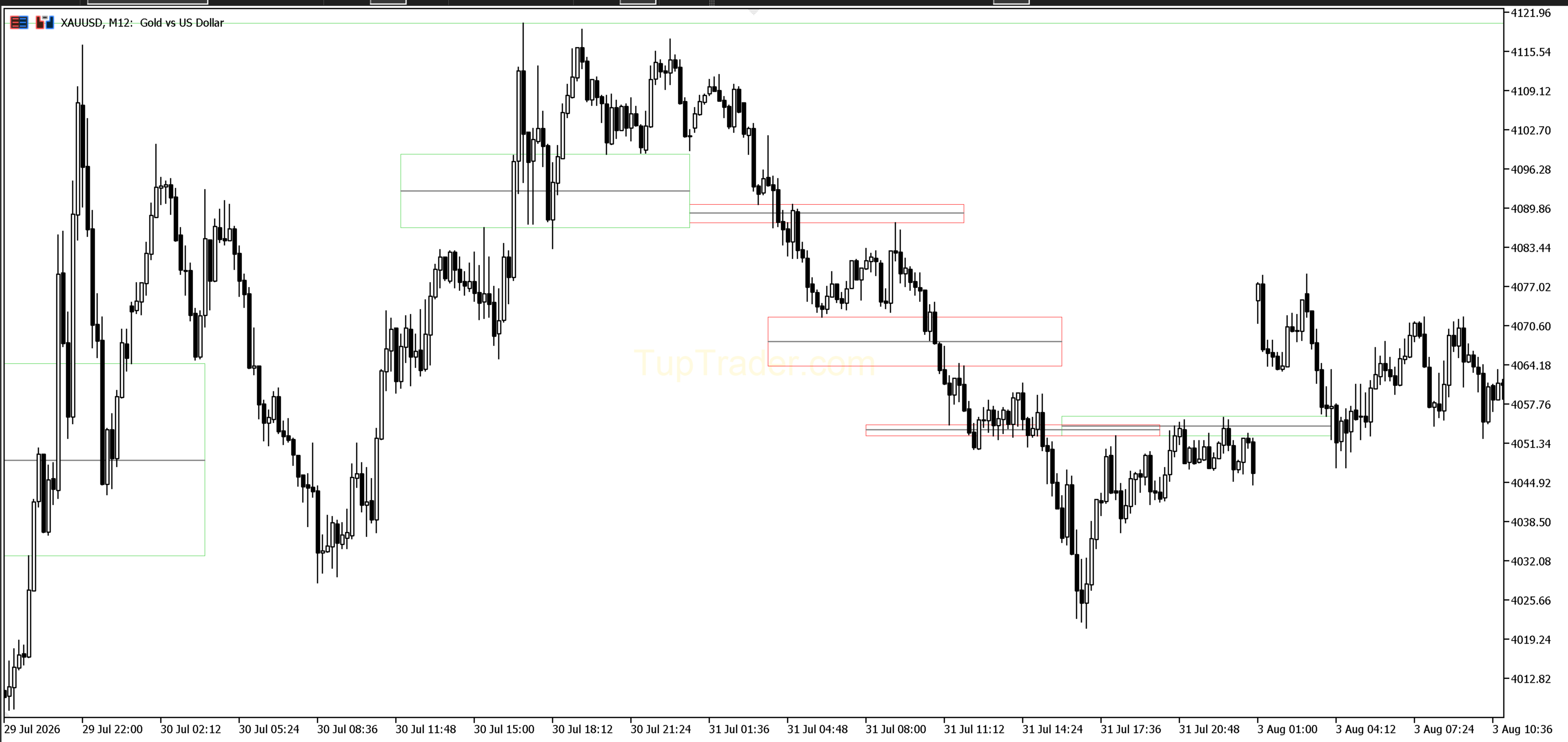
Free edition view
The Free edition has no dashboard. It plots multi-timeframe FVG zones and their CE midpoint on the chart with permanent access.
What does Imbalance show?
Imbalance organizes price-inefficiency areas as FVG zones and CE midpoint lines. Pro summarizes FVG, iFVG, BAG, and BPR states with quality, confluence, and decision context in its dashboard. It is an analytic tool and does not execute trades.
Core capabilities
Free and Pro comparison
| Capability | Free | Pro |
|---|---|---|
| Access | Free forever with account | Trial available, then separate subscription |
| FVG / CE / Multi-timeframe | ✓ | ✓ |
| iFVG / BAG / BPR | — | ✓ |
| OVERVIEW / ZONES / CONFL / DECISION / INFO | — | ✓ |
| Quality, confluence, and consumed-zone state | — | ✓ |
| Closed-candle processing | ✓ | ✓ |
Pricing and access
Free forever; add it to your account with one click.
Trial available, then 31 days of access with no automatic renewal.
30% off USD 348, with 365 days of access and no automatic renewal.
View yearly planAccess through TupTrader Console
- Use the Console page for the initial TupTrader Manager and Console bootstrap.
- Add the free product, trial, or purchased plan to your account.
- After access synchronization, the managed product becomes available inside TupTrader Console.
- Console is the normal path for accessing and using the managed product.
Usage boundary
Imbalance visualizes price-inefficiency zones and their quality context. It does not provide certain signals, profit promises, investment advice, or automatic trade execution.